Fingerspelling & QWERTY Practice
Colourful Hand Keyboard Trainer
Connect fingerspelling handshapes to tactile keyboard typing. Follow the color-coded fingers to learn home row key positions visually.
Progressive Skill SequenceStage 1 of 5
Left Hand Home Row (A - S - D - F)
Anchor your left hand fingers on the home keys: Pinky on A, Ring on S, Middle on D, and Index on F.
Drill Exercises:
Home Row Anchor Order
Target: ASDFFinger: Left Hand PinkyPress from pinky to index finger in forward order: A → S → D → F
Keycap Content:
Type These Letters in Sequence:
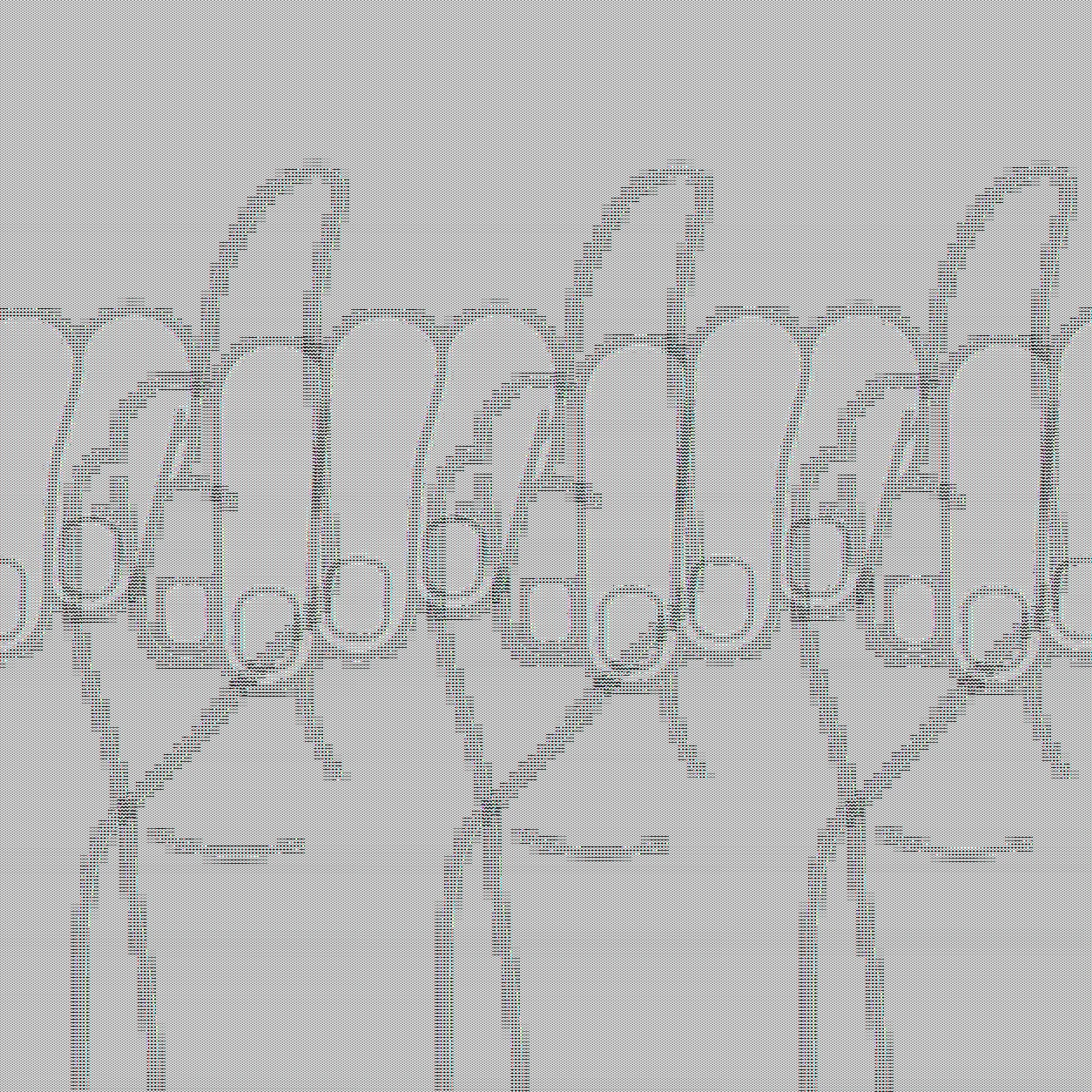
Pinky

Ring
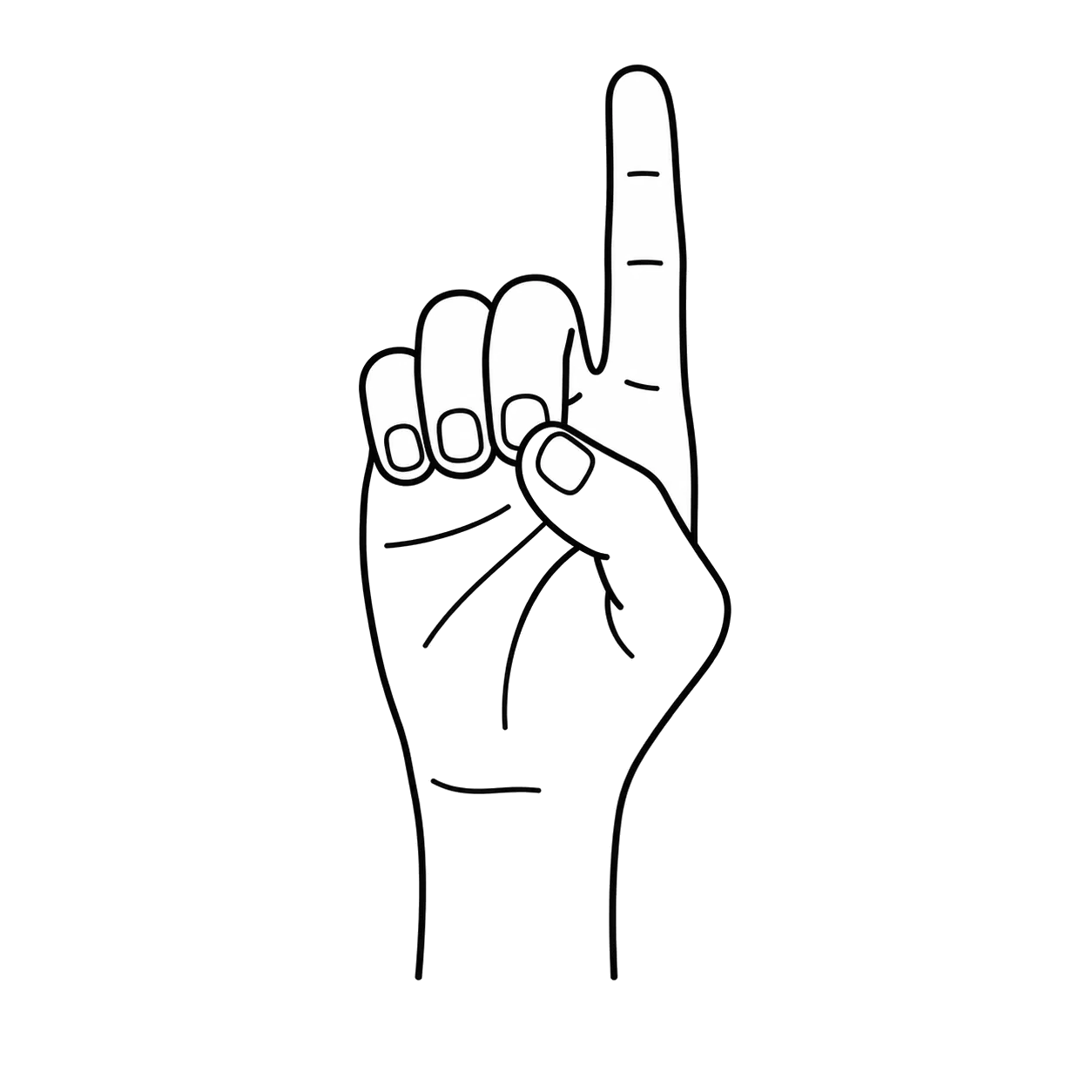
Middle
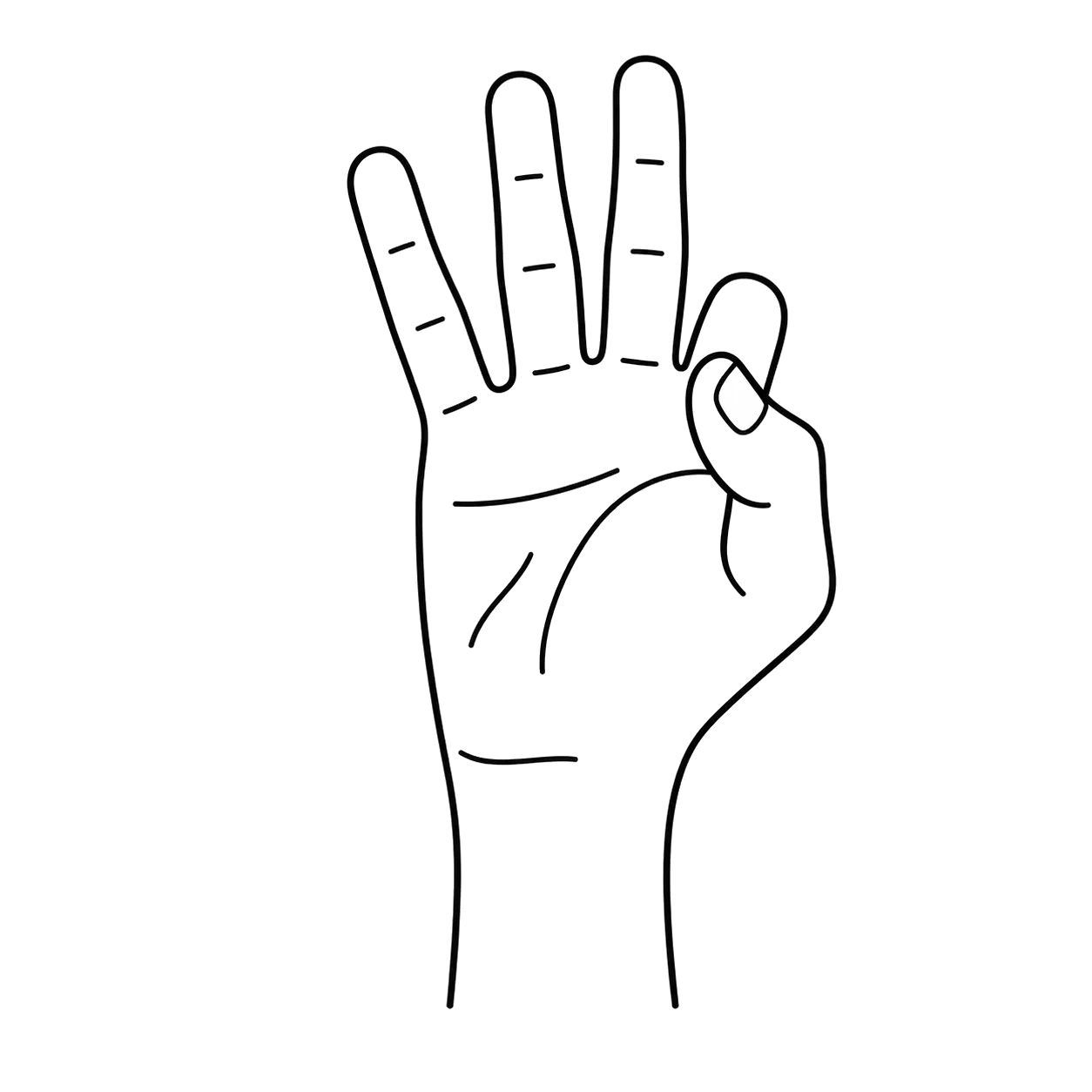
Index
✓Next letter is “A”. Press it using your Left Hand Pinky.
Home Key: [A] Target Sign SpotlightPinky
Letter A
Fist with thumb resting beside
Reach with Left Hand Pinky
Deaf QWERTY Visual Trainer (Color-Coded Home Row & Fingerspelling)Type on screen or physical laptop keys
🖐️
Attached Colourful Hand & Finger GuideHome Row Anchors
Look at which finger lights up to know which finger types the letter.
Target: “A” → Left Hand Pinky
Left Hand Keys (A - S - D - F - G)
Thumbs (Spacebar)
Right Hand Keys (H - J - K - L - ;)
🤚 Left Hand(A · S · D · F + G)Active Hand
Use This!
+G
IndexSPACE
ThumbLeft Rest Position:
ASDF+G
✋ Right Hand(H + J · K · L · ;)
SPACE
Thumb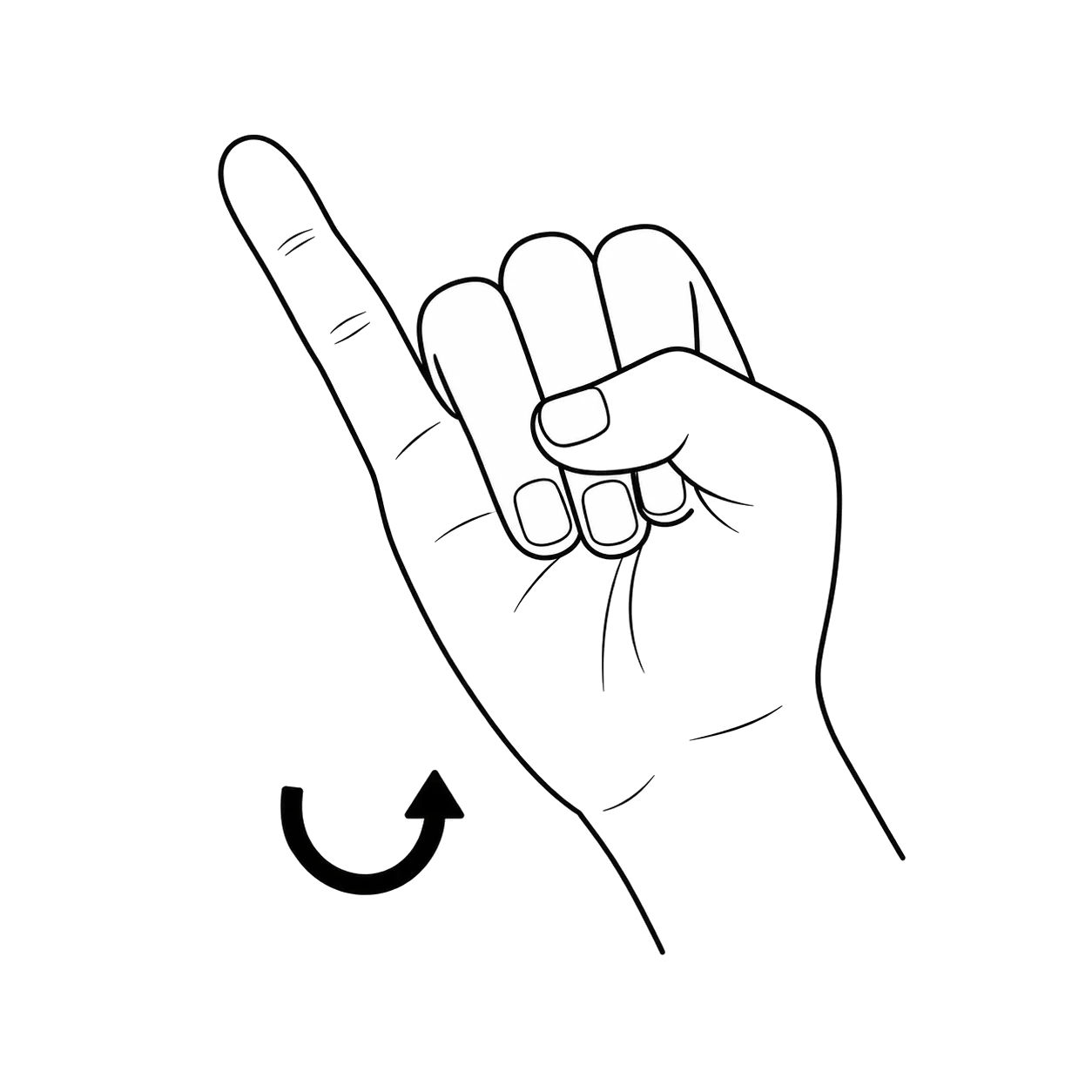
+H
Index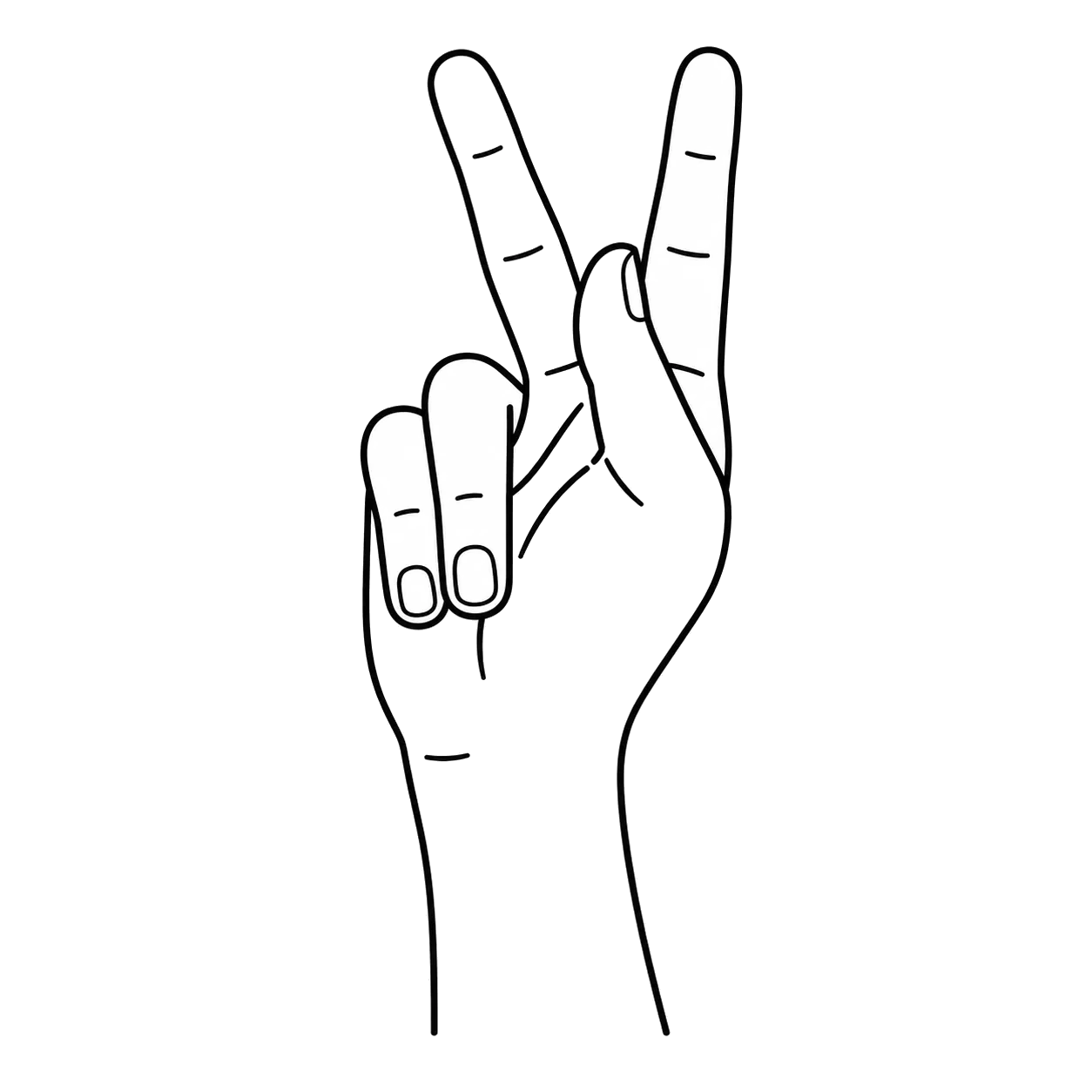
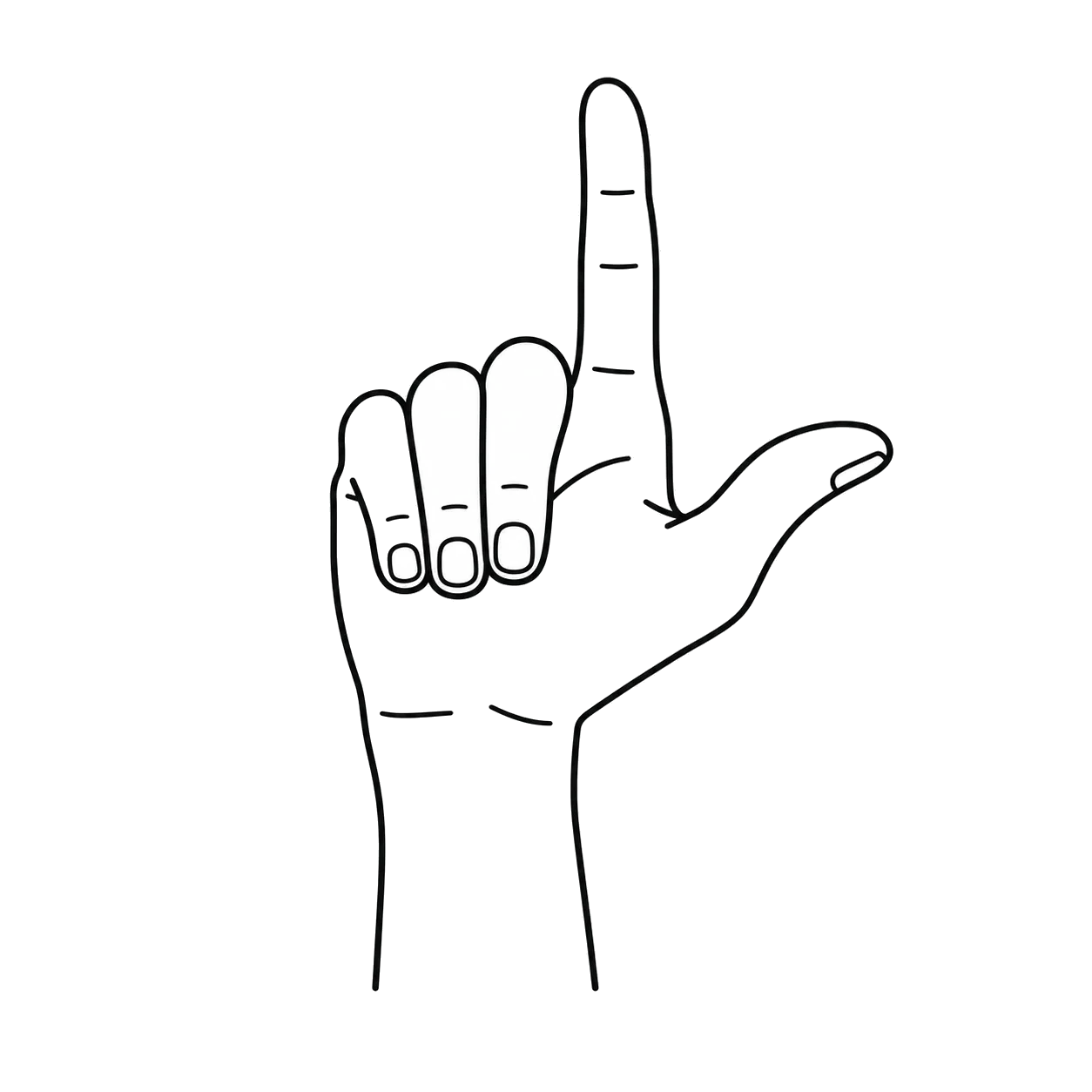
Right Rest Position:
H+JKL;
Fingers rest lightly on the Home Row (A S D F — J K L ;) when typing.
● Pinky● Ring● Middle● Index● Thumb
1
Color-Coded Finger Guidance
Each finger matches its assigned home row keys, giving instant visual confirmation of finger placement.
2
Step-by-Step Practice
Start with left hand anchors (ASDF), then right hand (JKL;), and advance into approved computer vocabulary.
3
Real Handshape Photos
Clear fingerspelling photographs show the exact handshape for every key without relying on sound.