Learn tech in Sign Language.
Video lessons taught by native Deaf experienced trainers with live in-browser coding practice. Start Lesson 1 free on any course.
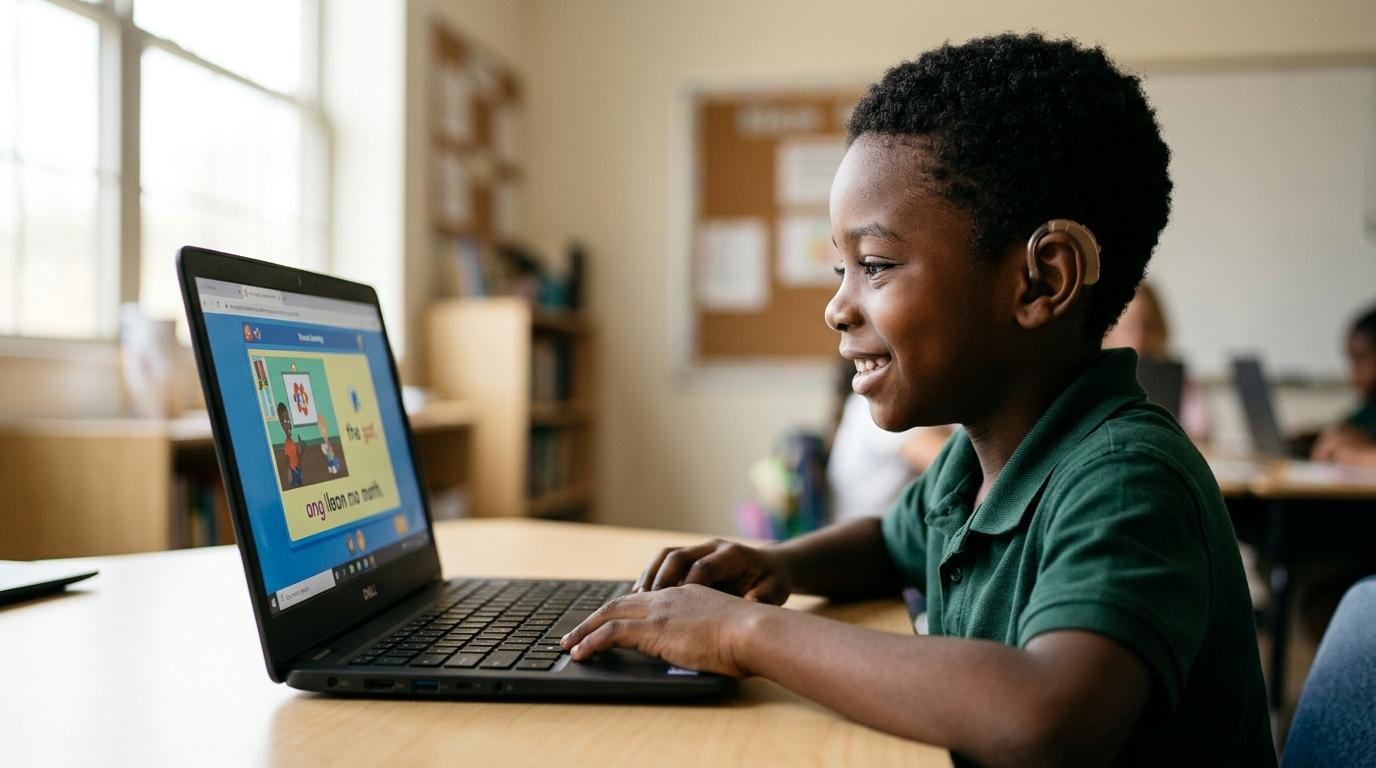
Built specifically for visual learners.
Most platforms simply put delayed captions over spoken video. DeafLMS is built around visual comprehension.
Native Sign Instruction
Every lesson is delivered by certified Deaf instructors in Nigerian Sign Language, with fingerspelled technical terms shown clearly on screen.
Motion Speed Controls
Slow down any video to 0.5x or 0.75x to study rapid handshapes and technical signs without audio pitch distortion.
In-Browser Code Lab
Write HTML and CSS in a split-screen editor right beside the signing instructor. No complex software installation required.
Our Partners & Collaborators
Working together to make accessible digital learning opportunities available to Deaf and hearing learners.
Available Courses
Choose a course. Lesson 1 is completely free on all tracks.

Computer Hardware & Digital Basics
A visual introduction to computer parts, mouse and keyboard navigation, and safe web browsing.

Frontend Web Development & Engineering
Learn modern HTML5, CSS layout, and web fundamentals with native sign language video and live in-browser coding.
Simple, transparent pricing.
Start with Lesson 1 for free. Pay once when you are ready to continue.
Lesson 1 Free
- Full access to Lesson 1 on all courses
- In-browser HTML & CSS code sandbox
- AnySign fingerspelling keyboard trainer
Frontend Web Dev
One-time payment • Lifetime access
- All 7 video lessons & code challenges
- VS Code setup and high-contrast tips